
How to Install Stiip on iPhone (Add the App to Your Home Screen)
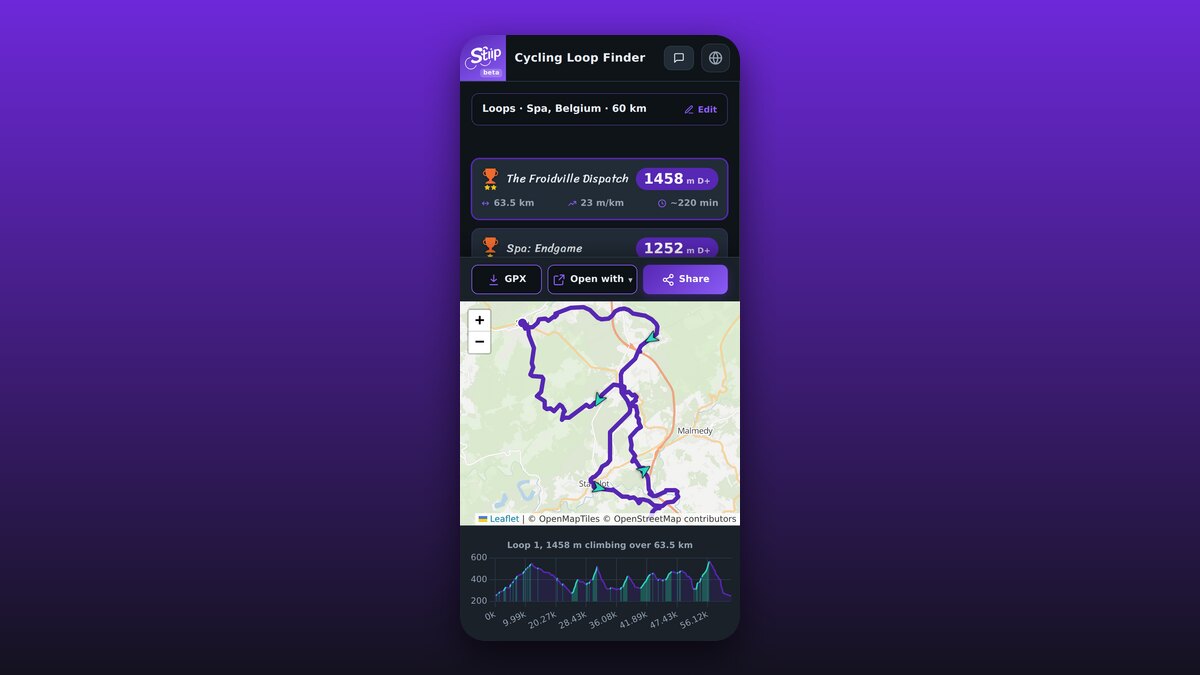
Stiip runs right in your browser, but you can add it to your iPhone home screen so it opens like a real app: full screen, one tap, no App Store. Here's how, it takes 20 seconds.
Why install it?
- One tap from your home screen.
- Full screen, no Safari bars.
- No App Store, nothing to download or update.
- Still free, no account.
Add it from Safari
Use Safari for this. On iPhone, only Safari can add a website to the home screen.
- Open stiip.app in Safari.
- Tap the Share button (the square with an arrow pointing up), at the bottom of the screen.
- Scroll down and tap Add to Home Screen.
- Tap Add (top right). The Stiip icon lands on your home screen.
Don't see "Add to Home Screen"?
- Make sure you're in Safari, not Chrome or another app.
- Scroll the share sheet down, the option is in the lower list of actions.
That's it
Tap the icon and Stiip opens full screen, just like an app. Time to go find some climbs.