
How to Build a Hilly Bike Loop With Stiip
Want a hilly ride that starts and ends at your door? Stiip's loop finder builds one in seconds. Here's how, it takes about a minute.
Step 1: Set your start and distance
- Type your start, a town or address. Or just tap the map.
- Set the distance you want to ride, in km.
- Press Generate loops.
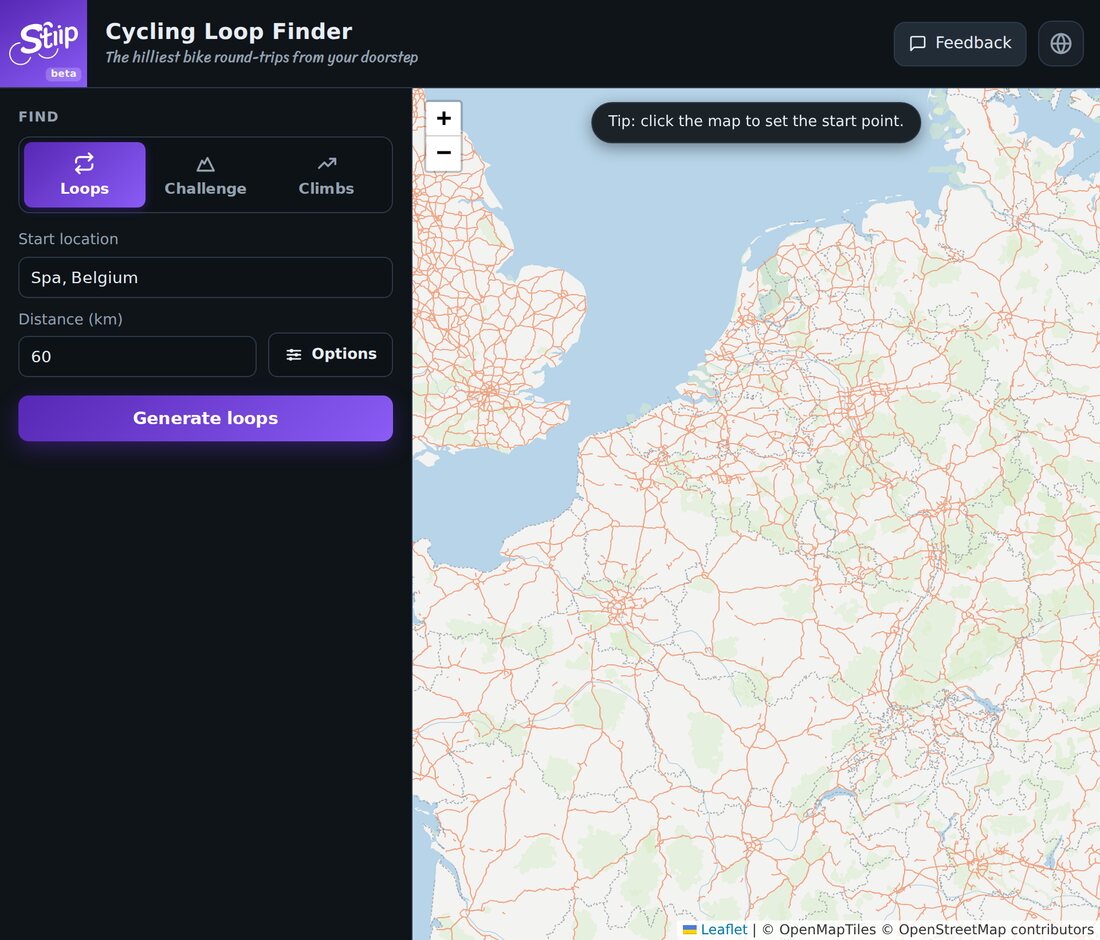
No dragging a line around a map. That's the whole setup.
Step 2: Pick a loop
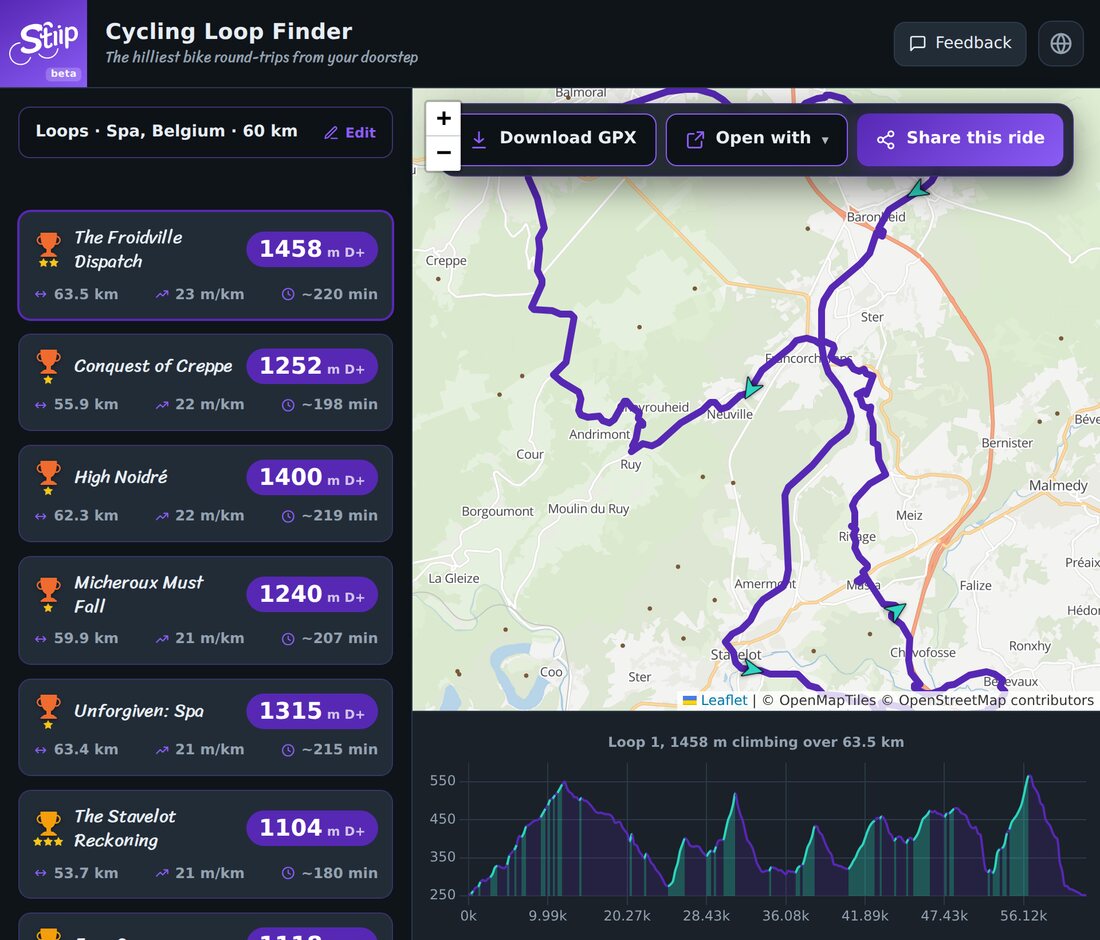
Stiip hands you a list of loops, hilliest first. Each card shows:
- D+, total climbing, in metres. Bigger = harder.
- Distance and m/km, how relentless the hills are.
- Time, a rough ride estimate.
Tap one to see it drawn on the map, with its elevation profile (the picture at the top of this page).
Every loop even gets a name. Ride The Stavelot Reckoning and brag about it later.
Step 3: Send it to your GPS
Found one you like? Three buttons, top of the map:
- Download GPX, load it on a Garmin or Wahoo, or import to Strava or Komoot.
- Open with, preview it in Google Maps and other apps.
- Share this ride, send it to a friend.
Quick tips
- Too hard? Lower the distance, or open Options to avoid gravel.
- Want more choice? Generate again for a fresh batch of loops.
- Nothing hilly near you? Try anyway. Stiip finds climbs you didn't know were there.
Pick a distance, pick a loop, go ride. Done.