
How to Build a Climbing Challenge With Stiip
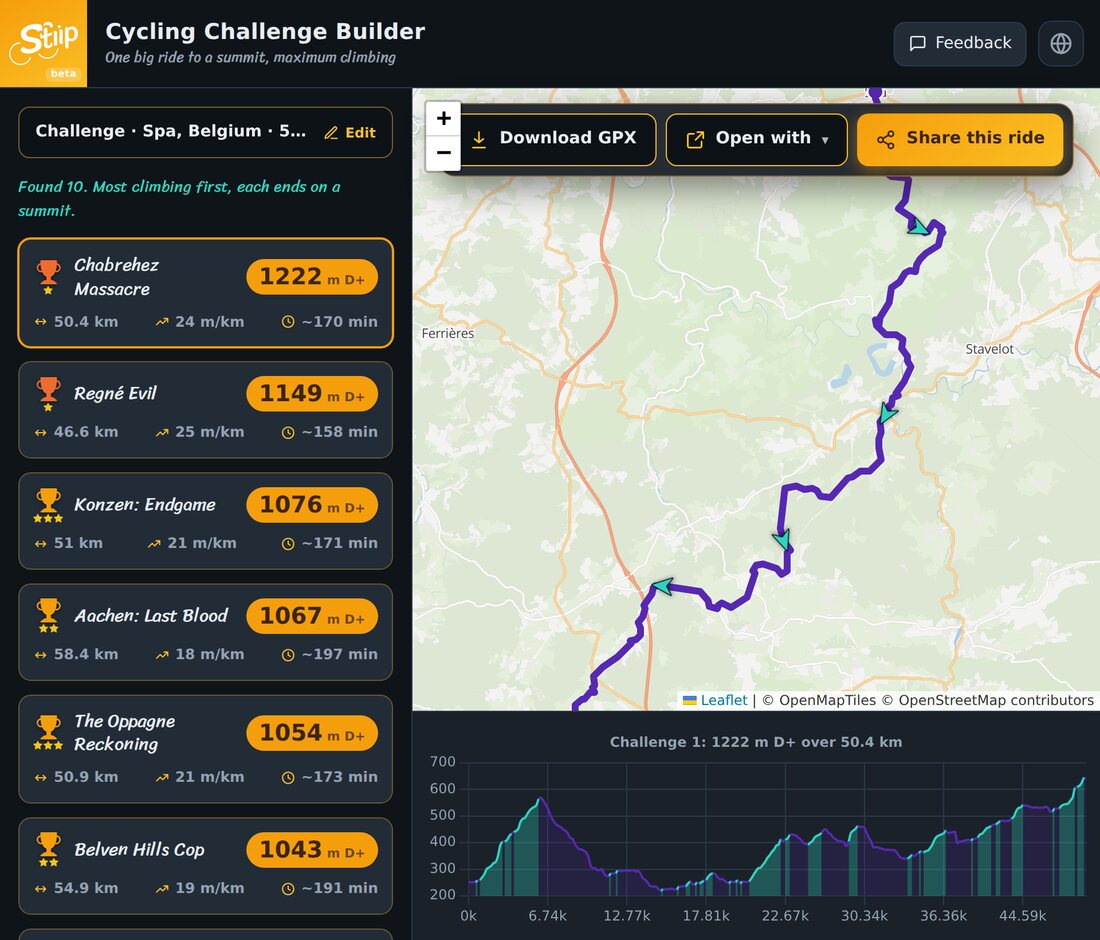
Sometimes you don't want a loop home. You want one big ride, out to a summit, with as much climbing as your legs can take. That's the challenge builder. Here's how it works.
Step 1: Set a start and a distance
- Type your start, or tap the map.
- Set roughly how far you want to go, in km.
- Press generate.
Stiip finds point-to-point routes that end on a summit, not back home.
Step 2: Pick your challenge
Challenges are ranked most climbing first, and each one finishes on a high point. Each card shows:
- D+, total climbing. This is the whole point.
- Distance, m/km and time.
Tap one to see the route and its profile, it climbs to the finish, then stops.
Step 3: Ride it (and sort the way back)
- Download GPX or Open with to get it on your device.
- Because you finish away from home, plan the return first: a lift, the train, or an easy spin back.
Quick tips
- Start easy. The climbing comes to you, save something for the final summit.
- Fuel early. A big climbing day burns through your legs faster than a flat ride.
- Save the GPX. Ride the same challenge again in a few months and feel the difference.
Pick a target, pick a challenge, go empty the tank.