
How to Install Stiip on Android (Add the App to Your Home Screen)
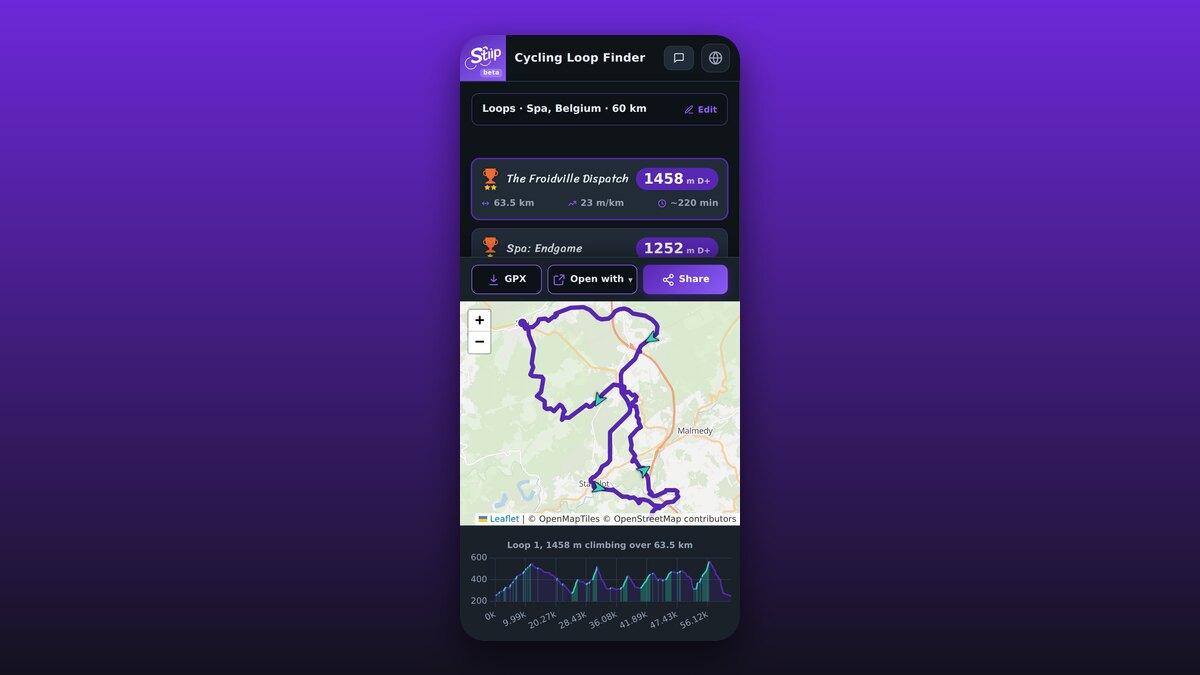
Stiip runs right in your browser, but you can add it to your Android home screen so it opens like a real app: full screen, one tap, no Play Store. Here's how, it takes 20 seconds.
Why install it?
- One tap from your home screen, like any app.
- Full screen, no address bar in the way.
- No Play Store, nothing to download or update.
- Still free, no account.
Install in Chrome
- Open stiip.app in Chrome.
- Tap the ⋮ menu (top right).
- Tap Install app (or Add to Home screen).
- Tap Install. Done, the Stiip icon is now on your home screen.
Sometimes Chrome shows an Install banner at the bottom of the page. Just tap that.
Using another browser?
It works there too:
- Samsung Internet: menu → Add page to → Home screen.
- Firefox: menu → Install (or Add to Home Screen).
That's it
Tap the icon and Stiip opens full screen, just like an app. Now go build a hilly loop.